
Stream4K Installation Tutorial
Pick your device and follow the steps. Need help? Message us on WhatsApp anytime.
Install Stream4K on Fire TV / FireStick
Step 1: From your Fire TV home screen, move the cursor to the Find option.
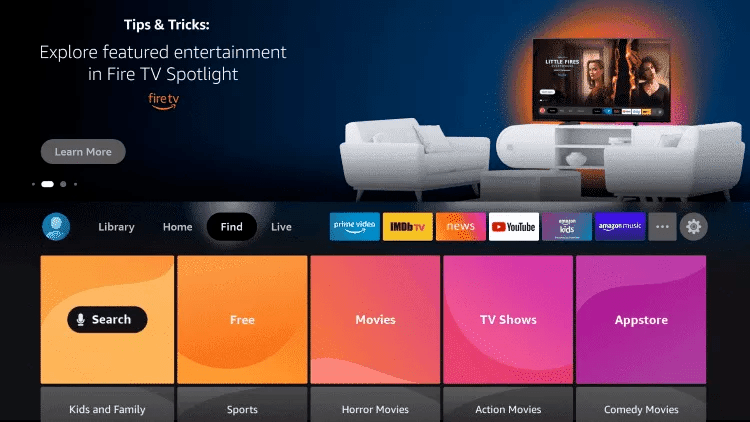
Step 2: Open Search.
Step 3: Type and select Downloader.
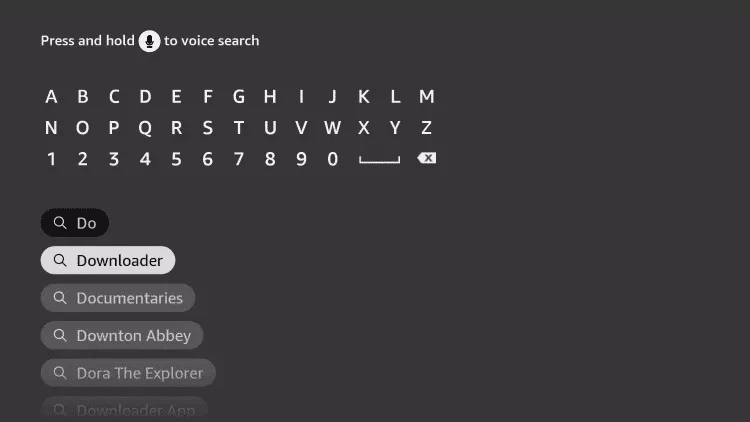
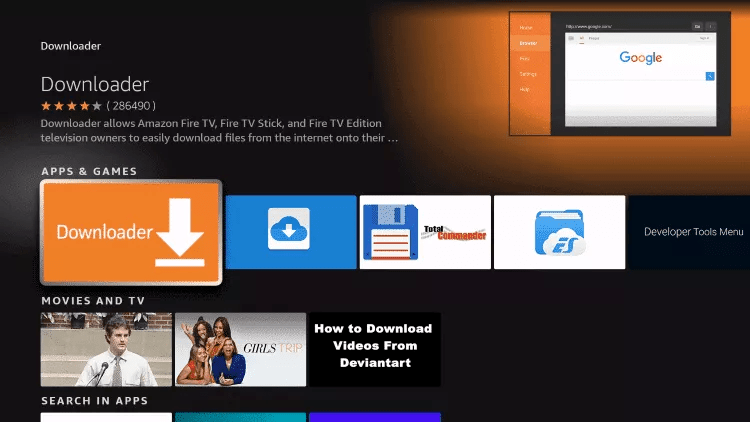
Step 4: Pick the Downloader app from the results.
Step 5: Click Download to install it.
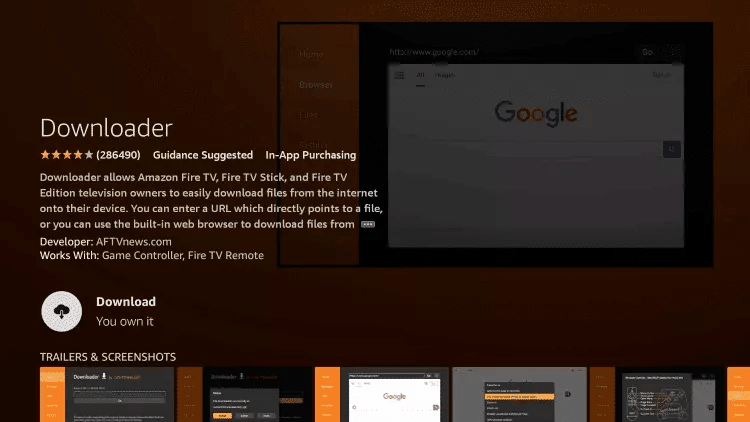
Step 6: Once installed, click Open.
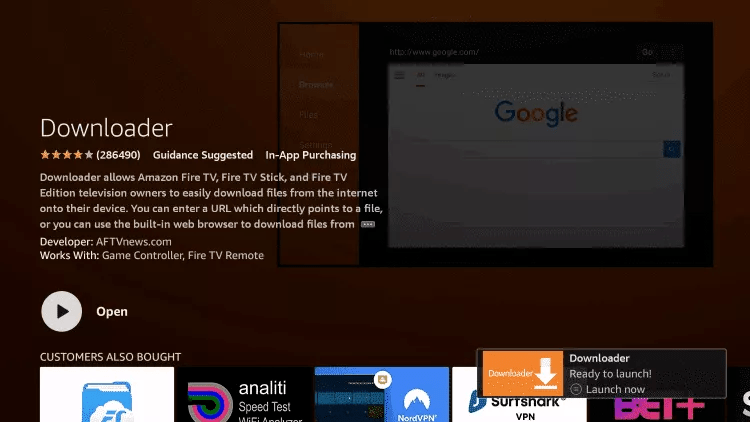
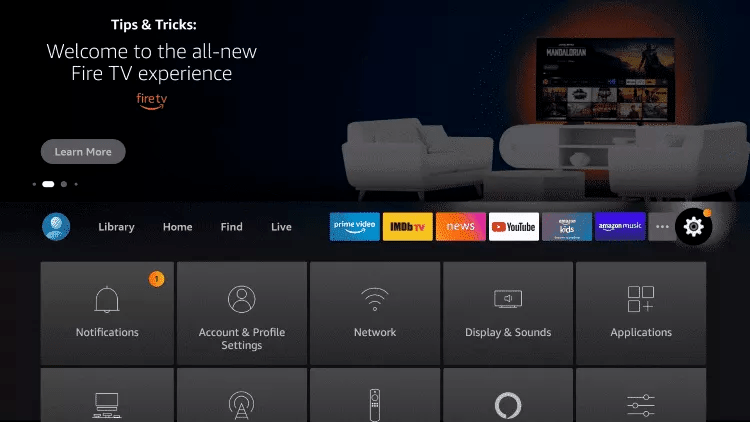
Step 7: Go back to the home screen and open Settings.
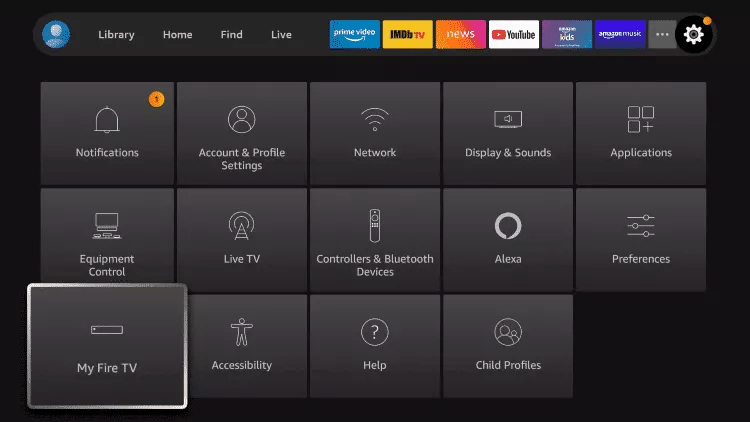
Step 8: Select My Fire TV.
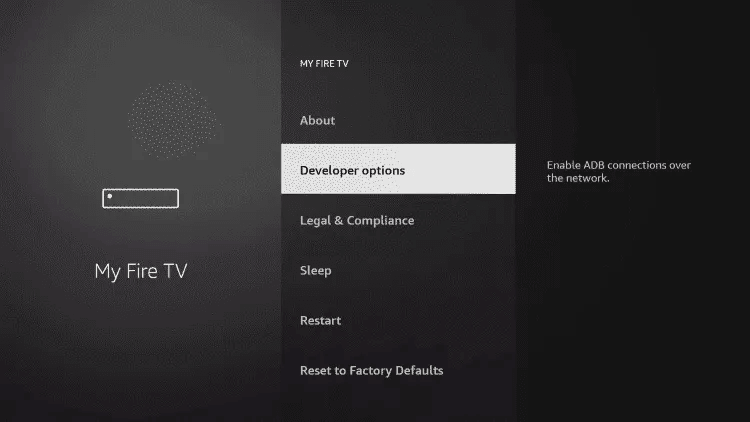
Step 9: Open Developer options.
Step 10: Tap Install unknown apps.
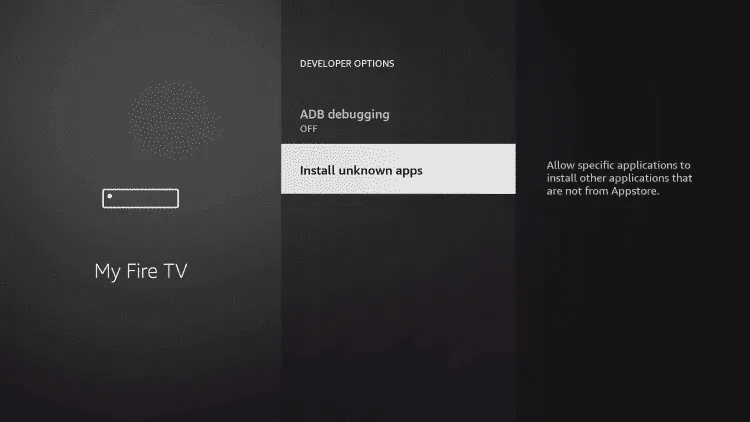
Step 11: Find Downloader in the list and click it.
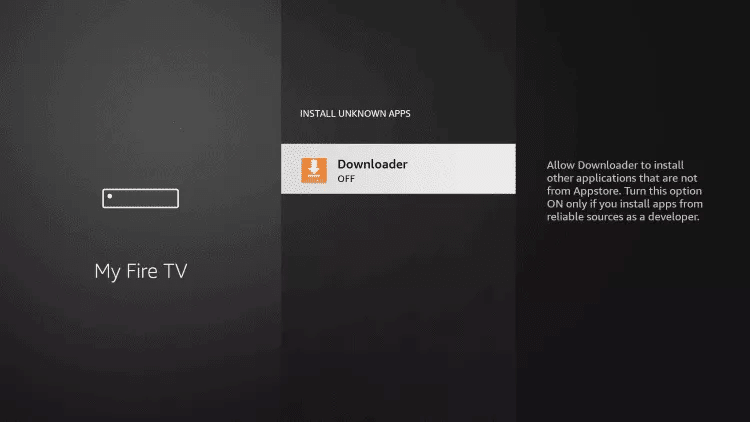
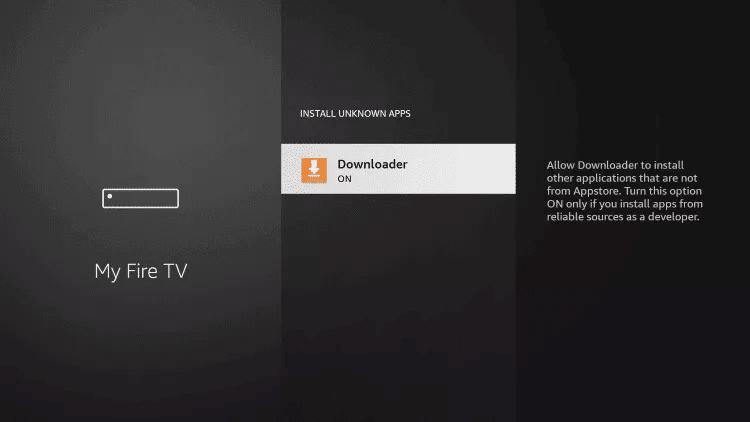
Step 12: This switches Unknown Sources to ON for Downloader, enabling sideloading.
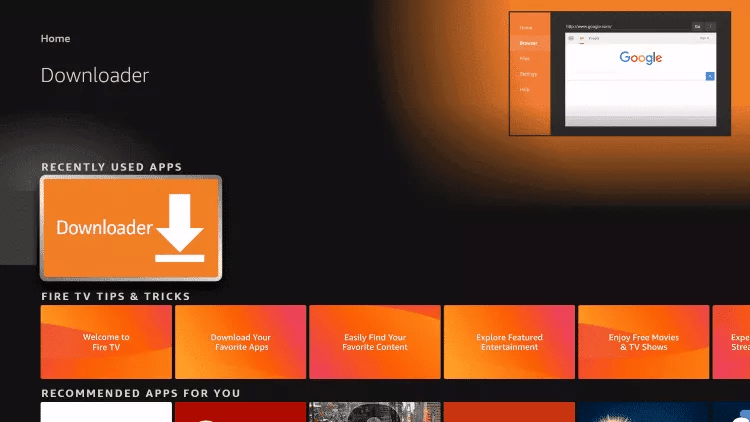
Step 13: Launch the Downloader app.
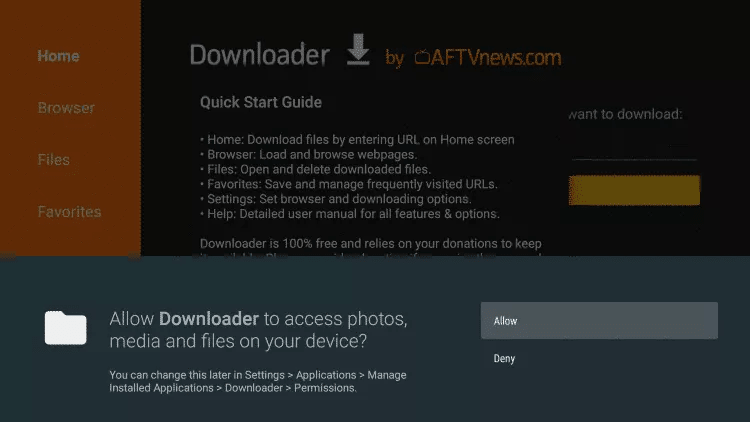
Step 14: Click Allow.
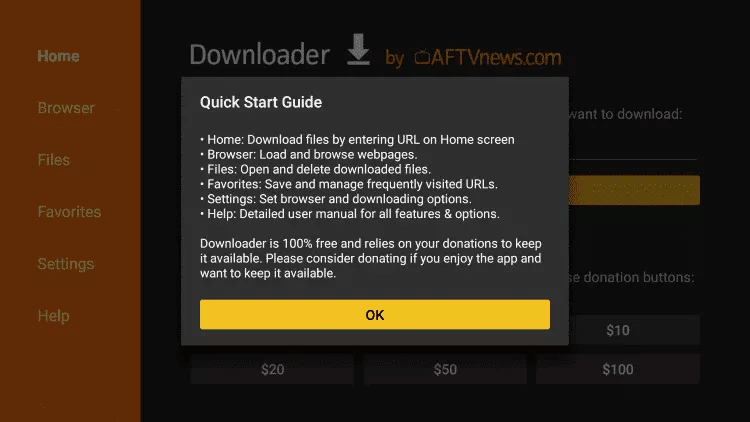
Step 15: Click OK.
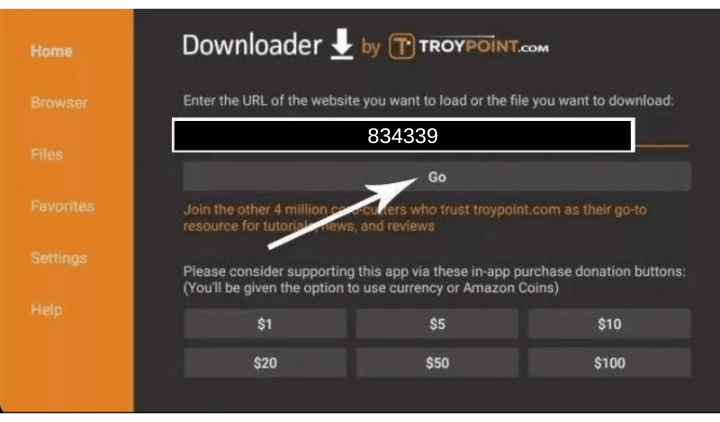
Step 16: In the URL field, type the code 834339 and press Go.
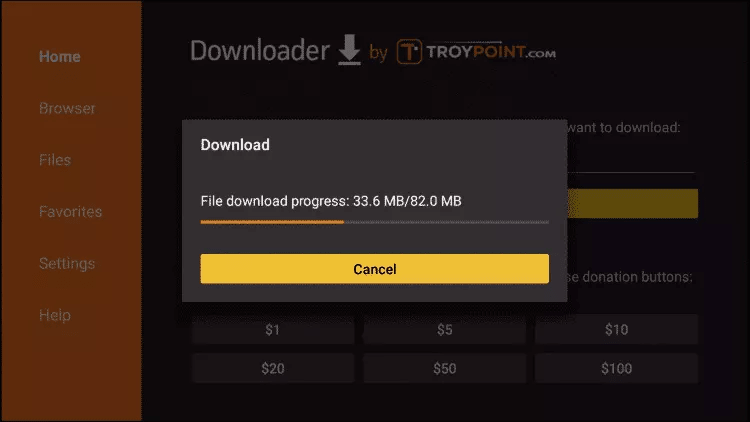
Step 17: Wait for the file to finish downloading.
Step 18: Click Install.
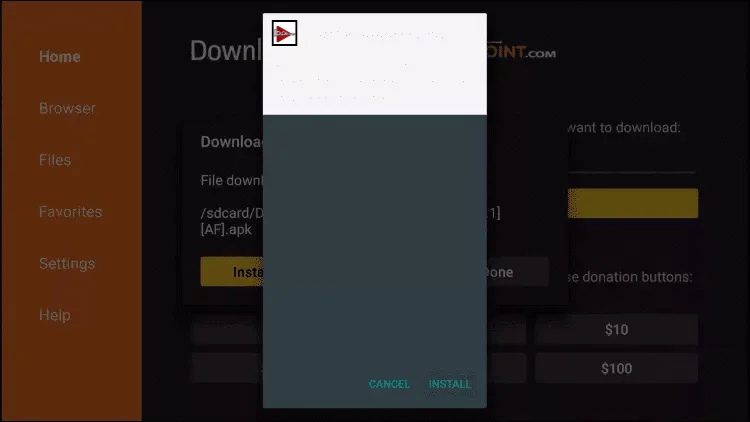
Step 19: Click Done once the install completes.
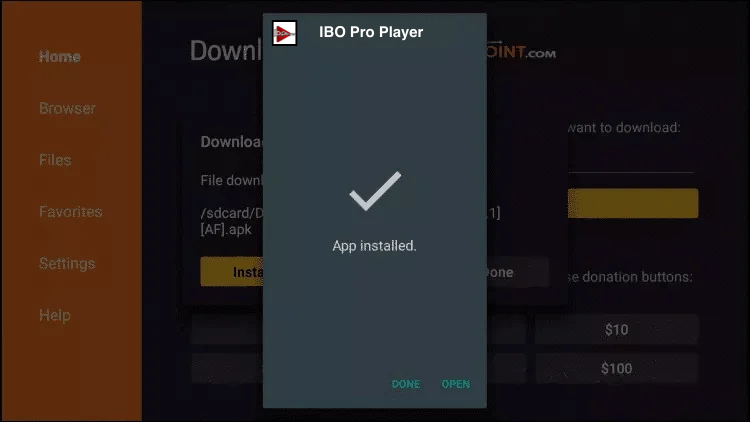
Step 20: Open IBO Pro Player and send us a screenshot showing the MAC Address and Device Key over WhatsApp so we can activate your Stream4K subscription.
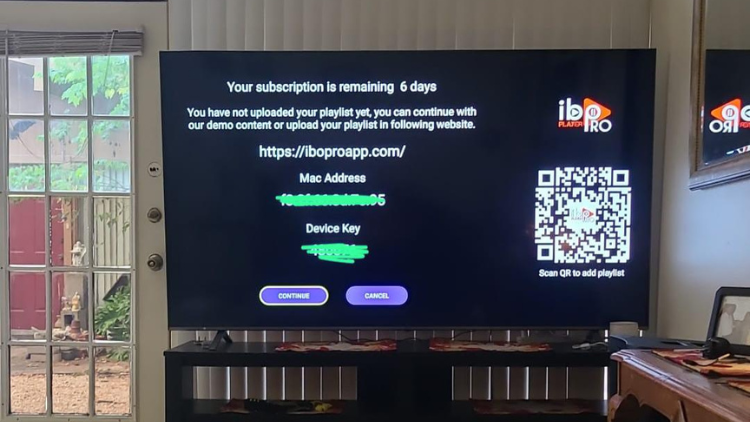
Note: IBO Pro Player and IBO Player are standalone players that require an active playlist. We do not sell playlists separately — only the Stream4K subscription.
- IBO subscription: $9.99/year with a 7-day free trial.
- If you purchase any plan of 3 months or more with Stream4K, IBO is included free for a full year.